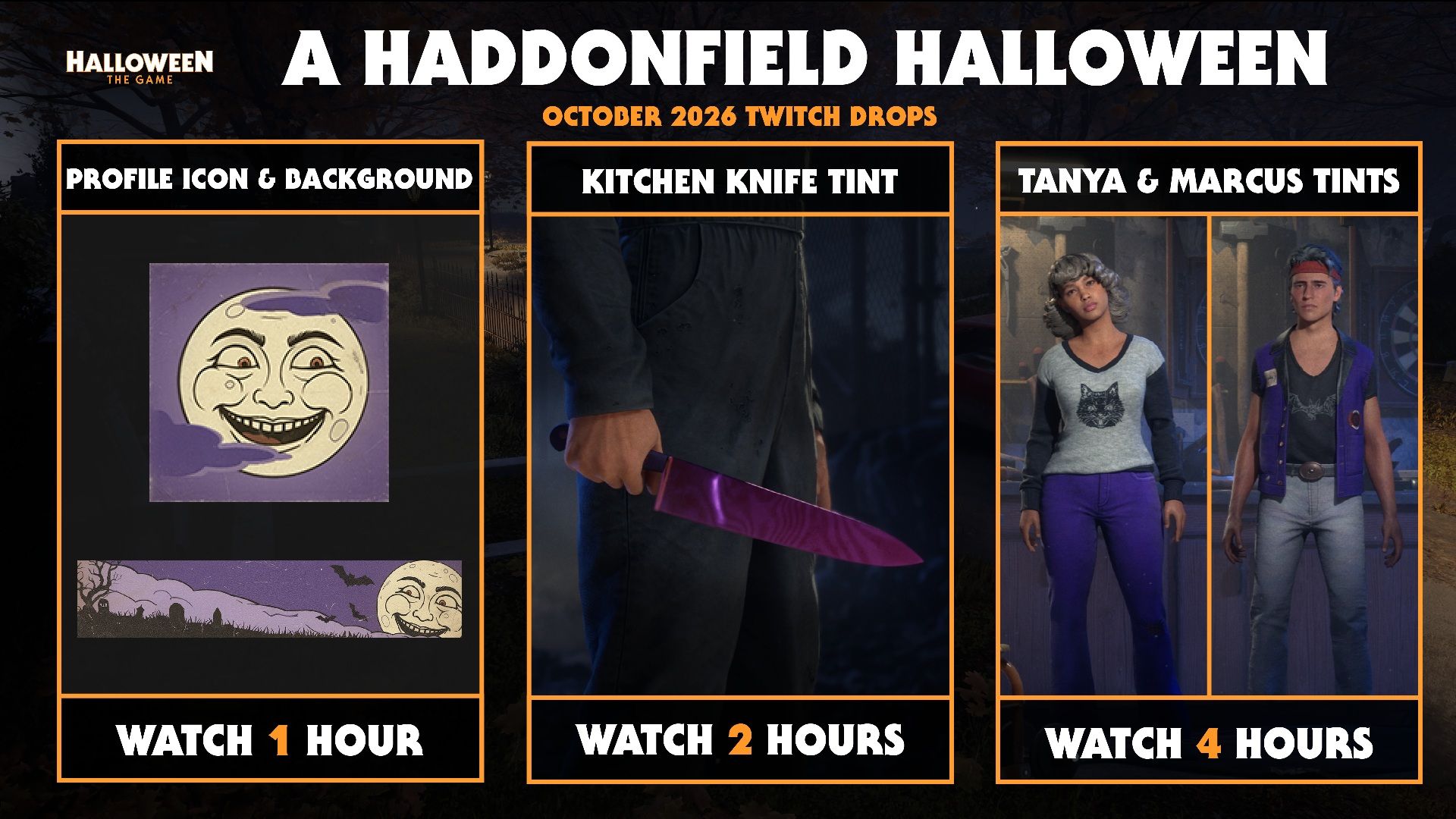
Starting October 26th at 10:00AM PT and running through November 3rd at 10:00AM PT, watch any participating channel streaming Halloween: The Game to begin unlocking the unique Twitch Drop items.
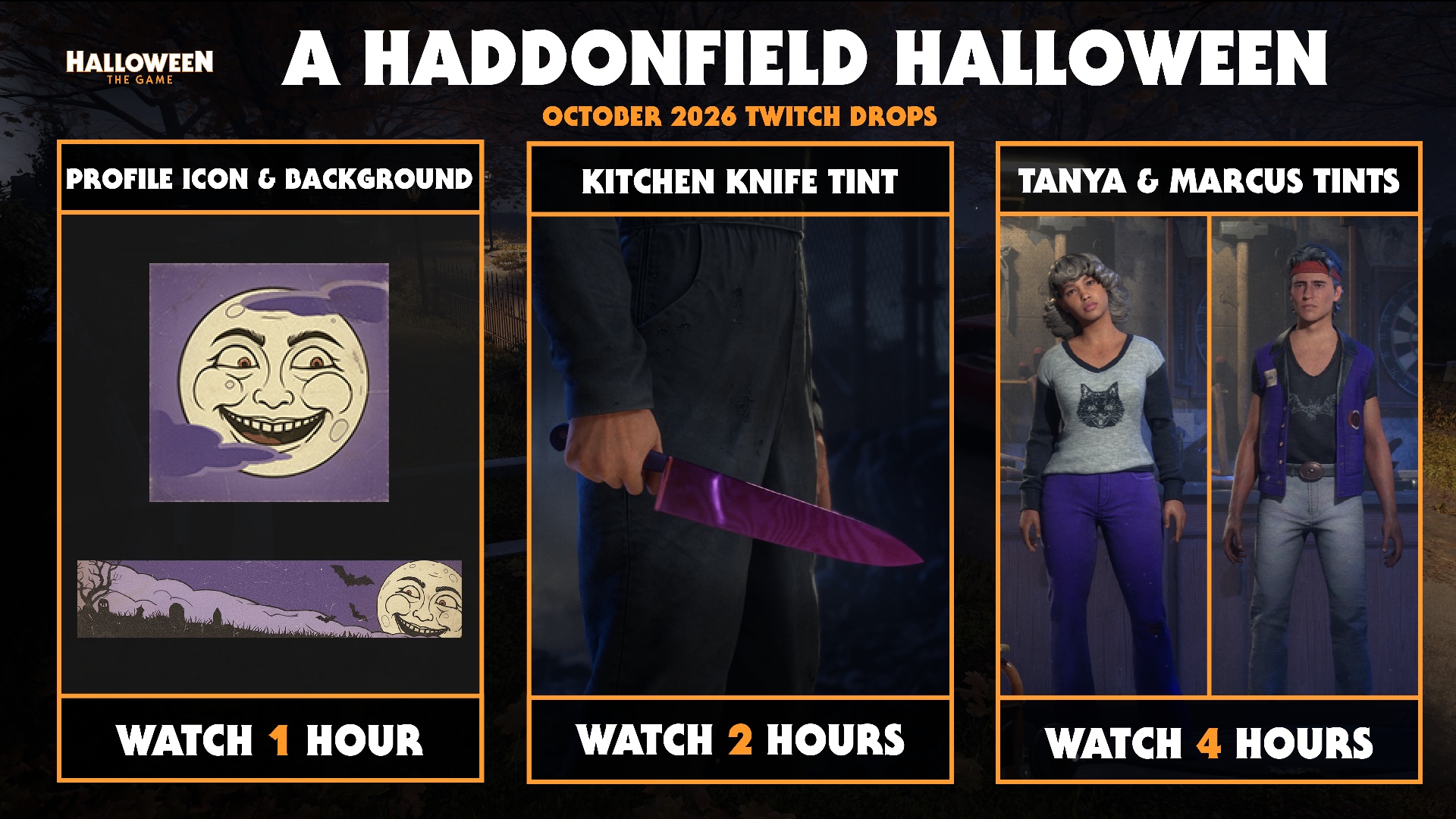
There are a total of three drops available during this drop period:
Profile Card Customization Items
Profile Icon – Moon Smile
Profile Background – Moon Light
Kitchen Knife Tint
Michael – Kitchen Knife Tint
Tanya & Marcus Outfit Tints
Tanya – Outfit 1 Tint
Marcus – Outfit 1 Tint
How to Participate
Link your Twitch account with IllFonic at https://accounts.illfonic.com/
Link your platform specific Halloween: The Game account with IllFonic at https://accounts.illfonic.com/
Watch any participating stream that is streaming Halloween: The Game at https://www.twitch.tv/
Check your Twitch inventory to claim your drops
You will need to claim your drop before being eligible for the next drop: https://www.twitch.tv/drops/inventory
Redeem your drops at the IllFonic website https://accounts.illfonic.com/
Restart your Halloween: The Game client
Enjoy your new drops
Note: For those that are redeeming a code, you can find the REDEEM CODE option in the GRAVEYARD in the EXTRAS section
For more on Halloween: The Game, Stay Sharp and follow @HalloweenTVG on Reddit, TikTok, Instagram, X, and Facebook, and join the conversation in our official Discord.